I have a few friends who love watching professional Counter-Strike matches (I dabble in them sometimes, but far more casually). Generally, Half-Life TV has always been the source of truth for Counter-Strike match news, player statistics, etc.
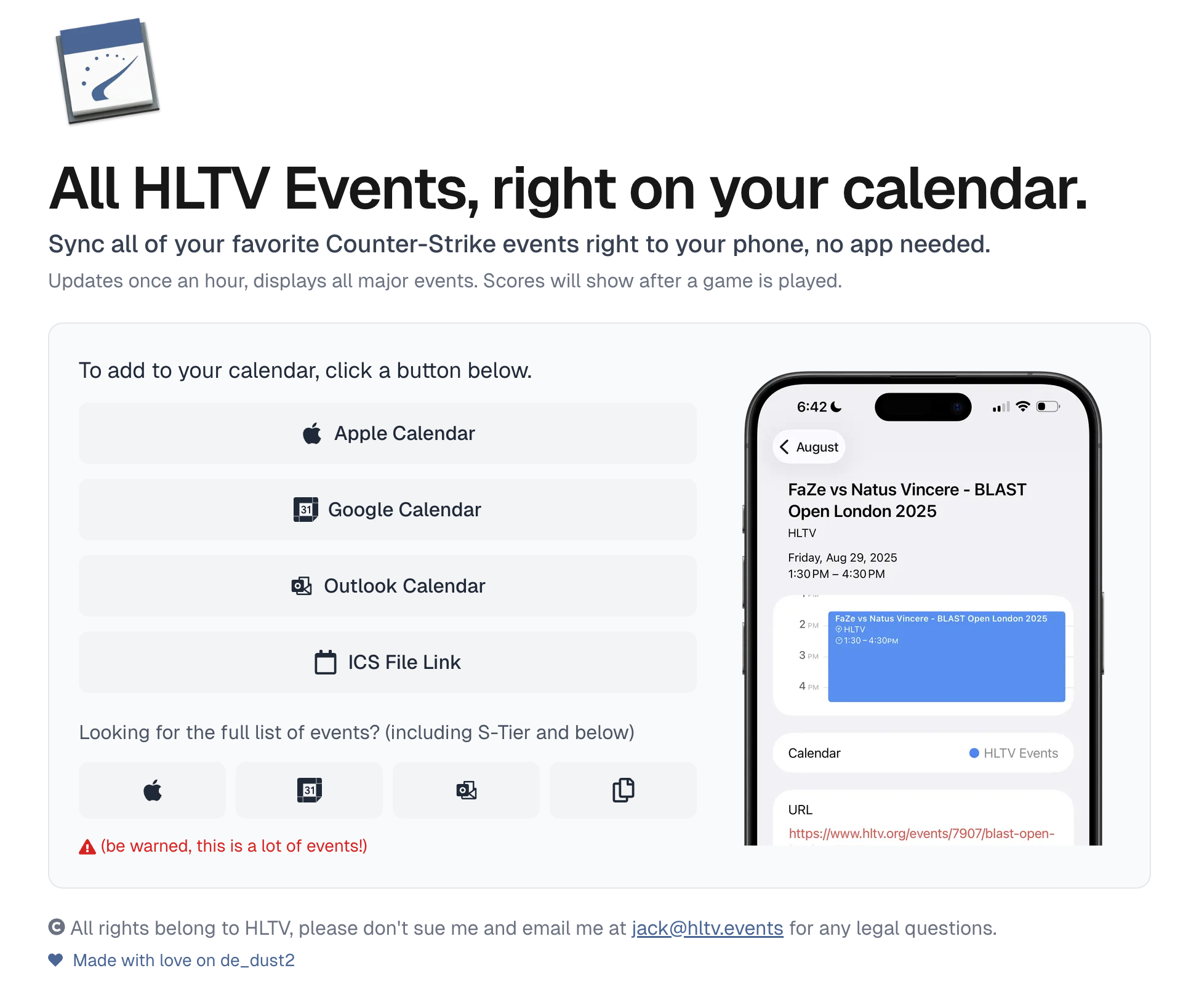
Unfortunately, the HLTV mobile app is a bit all over the place - especially their calendar functionality - so I built a lightweight calendar that scrapes match listings, normalizes times, converts it all to an ICS file, and sends reminders about the matches.
Finding their Matches
The first thing I did was check the HLTV.org’s network requests to see where the data was potentially coming from. Given the fact they’re one of the only aggregated sources of match data, their engineering team must have thought about this and decided to opt for server-side rendering of the match list.
This meant that I had two options: web scraping the list manually, which sounds like legitimate hell, or finding another point of entry for the data. I decided to fire up Burp Suite and proxy their mobile app to see what the traffic looked like, and much to no one’s surprise found that they were using a mobile-specific API to get the match data.
The URL (which I’m not going to expose just in case they see this and decide to clip my method) returned a massive robust JSON body with match data that looked like the following:
{
  "id": "string",
  "startTime": "ISO8601 datetime",
  "endTime": "ISO8601 datetime",
  "format": {
    "short": "string",
    "long": "string",
    "backgroundImage": "url"
  },
  "rating": "number",
  "status": {
    "preMatch": "boolean",
    "live": "boolean",
    "postMatch": "boolean"
  },
  "minGames": "number",
  "participants": [
    {
      "id": "string",
      "name": "string",
      "logo": "url"
    },
    {
      "id": "string",
      "name": "string",
      "logo": "url"
    }
  ],
  "event": {
    "id": "string",
    "name": "string",
    "logo": "url"
  },
  "placeholders": {
    "team1": "string|null",
    "team2": "string|null",
    "logo": "url"
  },
  "result": {
    "participant1Score": "string",
    "participant2Score": "string",
    "winnerId": "string"
  },
  "odds": "array"
}
The JSON body contained everything I needed, and because it covered two weeks of past matches and two weeks of upcoming ones, updating results after a match concluded was super straightforward.
I quickly wrote a script to fetch the API’s JSON, but it returned a 403. When I opened the same API route in my browser the data loaded, which strongly suggested the server was rejecting my script-based request - likely by checking the TLS client fingerprint (for example, a JA4 hash) to verify the request came from a legitimate device.
Trust me, I’m totally not a request library!
If you’re unfamiliar with curl-impersonate, it effectively allows you to emulate the TLS fingerprints of a legitimate browser when making requests, in turn letting you bypass 90% of anti-bot techniques by most websites.
There are a few bindings for programming libraries, but the one I’ve used most is curl_cffi which has been great for Python projects. But because I’ve been really into Bun’s Single File Executable bundling capability, I decided to opt for using cuimp-ts to allow me to do the same thing in TypeScript.
The successful request looks like the following:
import { get } from "cuimp";

const response = await get("https://www.hltv.org/[redacted]", {
  headers: {
    "User-Agent": `hltv/2.13.2 (org.hltv; build:1; iOS ${iosVersion}) Alamofire/4.9.1`,
  },
});
I also used a randomized iOS version between iOS 14 and iOS 17 each API call just to hide some of the traffic in plain sight:
const iosVersion = `${14 + Math.floor(Math.random() * 4)}.${Math.floor(Math.random() * 10)}.${Math.floor(Math.random() * 10)}`;After these two changes, I was now able to programatically request the matches from their mobile API!
Building the Calendar
The raw HLTV match data needed significant cleanup to work well in a calendar format.
Team names often contained redundant event information or very odd formatting, so I stripped out duplicates, trimmed whitespace, and handled edge cases like overly long names. Event titles were built dynamically based on the ongoing match status, and completed matches showed final scores in brackets while upcoming ones got anticipatory formatting. Each description also included emoji-prefixed metadata like star rating, format, and map count for easy scanning.
There were a ton of different ICS builder libraries I could have used, but I just opted to build it by hand. All it took was constructing an array of formatted strings following standard iCalendar format, where each match became a VEVENT block with properly escaped text, ISO timestamps, sanitized URL slugs, and a 15-minute pre-match reminder.
BEGIN:VEVENT
UID:hltv-2389276@hltv.org
DTSTAMP:20260123T232233Z
DTSTART:20260122T180500Z
DTEND:20260122T203916Z
SUMMARY:[1-2] HEROIC vs FURIA - BLAST Bounty 2026 Season 1 Finals
DESCRIPTION:🏆 HEROIC vs FURIA\n\n📅 Event: BLAST Bounty 2026 Season 1 Finals\n⭐ Rating: ⭐⭐⭐\n🎮 Format: Best of 3\n🗺️ Maps to win: 2\n\n🏁 Final Result: 1-2\n👑 Winner: FURIA
LOCATION:HLTV
URL:https://www.hltv.org/events/8246/blast-bounty-2026-season-1-finals
CATEGORIES:CS:GO,Gaming
STATUS:CONFIRMED
BEGIN:VALARM
TRIGGER:-PT15M
ACTION:DISPLAY
DESCRIPTION:HLTV Match starting: [1-2] HEROIC vs FURIA - BLAST Bounty 2026 Season 1 Finals
END:VALARM
END:VEVENT
Joining everything with carriage return-newline separators produced a valid .ics file that could then be subscribed to by any calendar app!
Optimizing for Changes
I wanted to poll HLTV’s API as frequently as possible, but ended up opting for an update every 60 minutes to avoid hammering their servers. When enough time has elapsed, it retrieves the latest matches and compares them against cached data stored in Redis under the hltv:matches key.
For each incoming match, the code generates a hash of its contents and compares it to the cached version. If the match ID is brand new, it's flagged as "new." If the ID exists but the hash differs, it means that the match’s scores, times, or other details changed. After processing, the fresh match data overwrites the Redis cache, and the current timestamp is saved to hltv:last_poll to track when the next poll can occur.
Redis serves as the system's coordination layer, tracking when matches are added or updated by setting a hltv:needs_calendar_update = "1" flag that signals the calendar generator to rebuild the ICS file. This approach minimizes unnecessary work by only regenerating calendar files when there's actually new data to display, rather than on every server request.
Publishing the Calendar
Because an ICS file is literally just a text file, I opted to use Cloudflare R2 to upload it and threw the file behind the domain hltv.events.
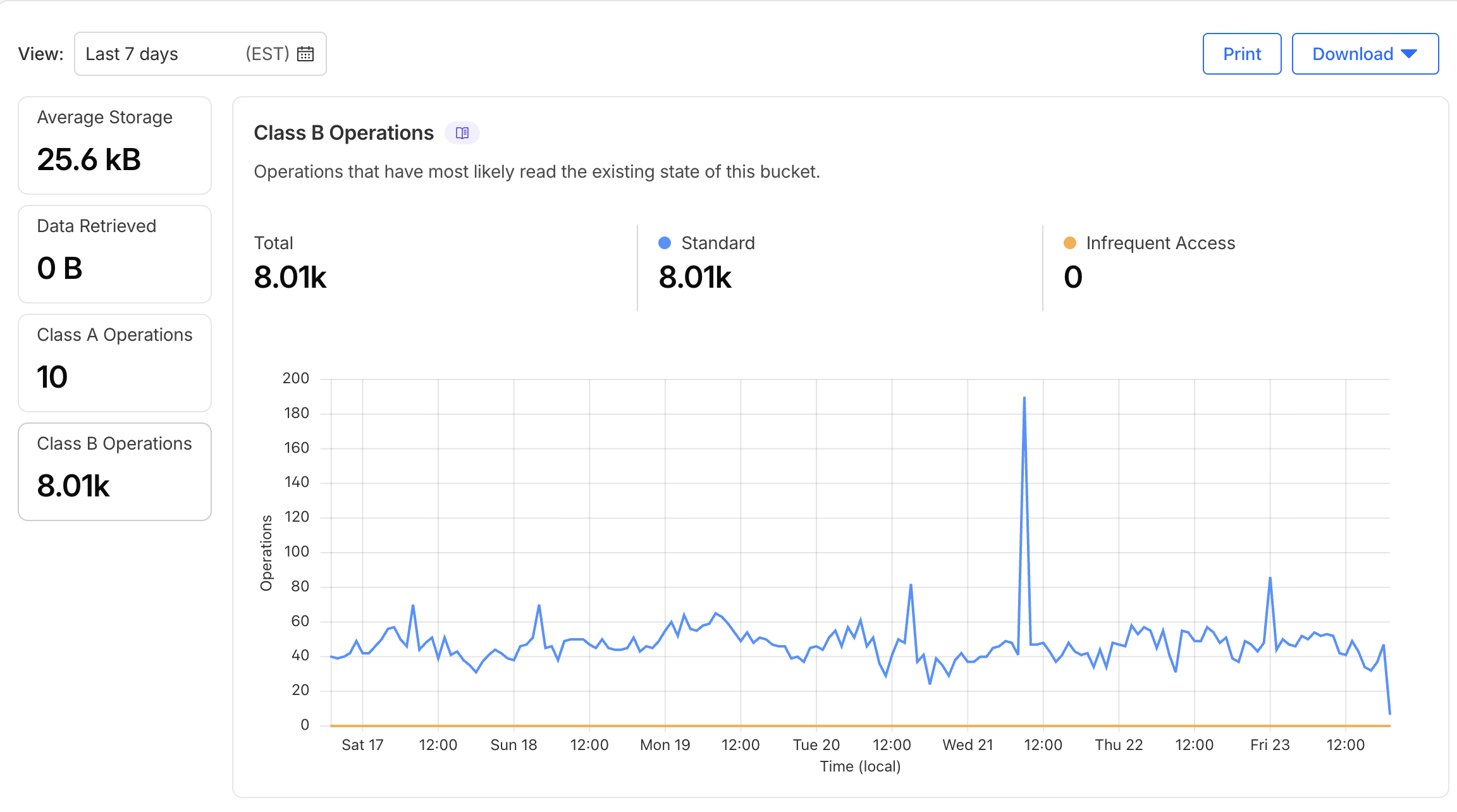
I have no idea how many people actually use the calendar but given the rate of Class B operations on the R2 bucket (which are usually object reads), I’d say probably 50 to 100 people use it - which is good enough for me!